
It used to take hours to build a website. Template sorting, Cutting parts, Content writing, For many, the most difficult part wasn’t the design of the website but knowing where to begin.
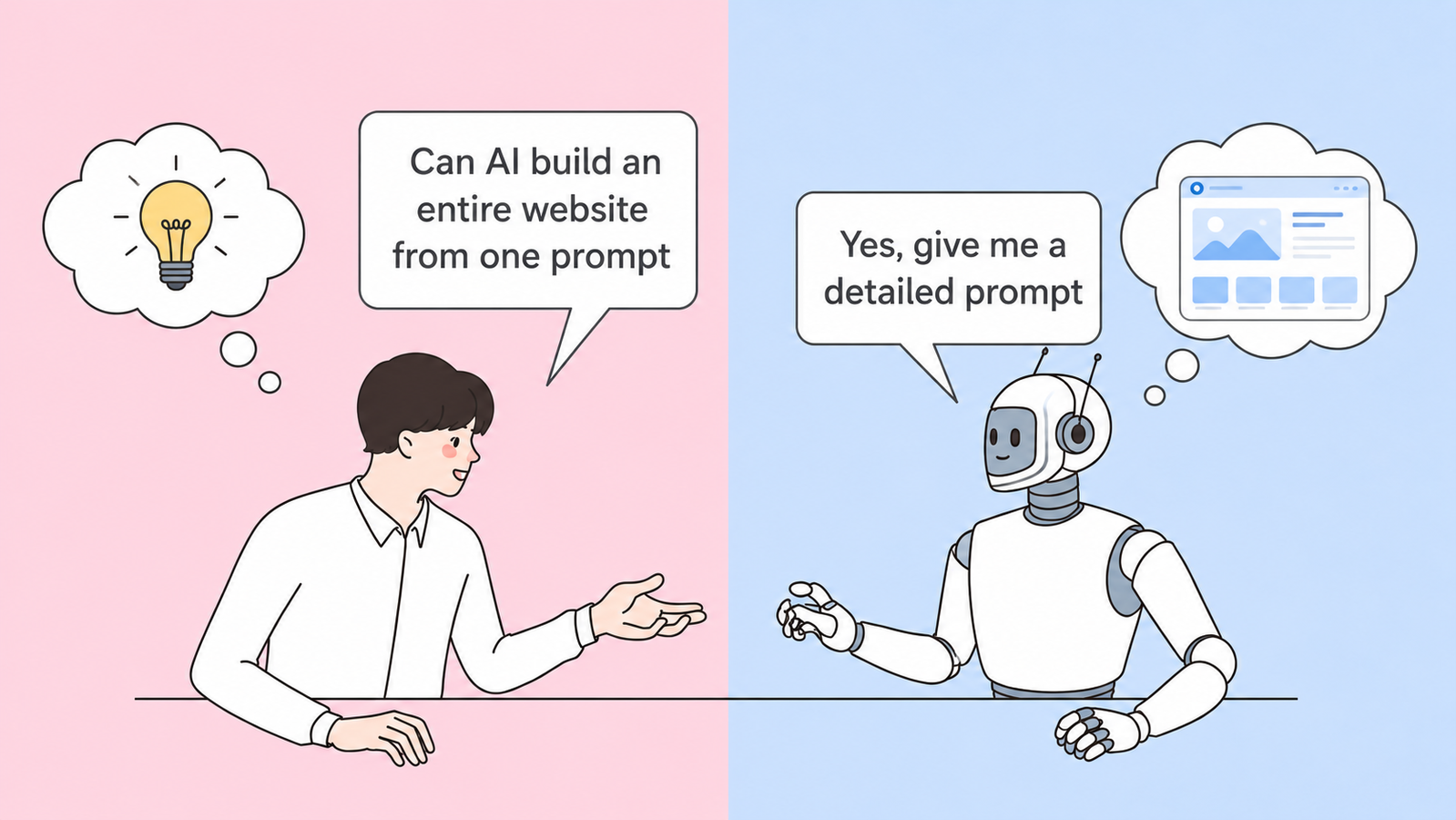
Now AI makes the job much easier. Instead of building a website from scratch, you can tell an AI website builder what you want your website to be, and it will generate ideas for layout, content, and design in minutes.
But the quality of the website is dependent on the quality of your prompt.
Think of AI as a designer who is going to do what you tell him to do. A nonspecific request like “Build me a website” generally yields generic results. But tell it about your business, your target market, your design preferences, and features you require, and it can generate a website a lot closer to your vision.
In this article, we’ll cover what AI website prompts are, why they are important, how to develop better prompts, and give you 20 prompt examples ready for use in different industries.
What is the AI webpage prompt?
An AI website prompt is a statement that you write that tells an AI website builder what type of website you want to develop. Instead of having to design each page yourself, you tell it what you need, and the AI will create a website based on what you tell it to do.
Here’s how to do it, Suppose you give two prompts:
- Build me a website
- Build a green and white Yoga Studio Website, Create a homepage, timetable, instructor details, reviews, online booking and a contact page.Make it mobile optimized & SEO optimized.
This second query gives the AI a better direction to make a more useful and customized webpage.
AI website builders can create website copy, page layout, navigation menus, calls to action, forms, and even SEO optimized content that you can alter later.
What Makes a Good Prompt for AI Website?

The best cues are brief, targeted, and simple. Important issues to address includes :
- Business description: Describe briefly what your business does.
- Who’s the site for? Target Audience
- Design style: Corporate or luxury, modern and straightforward Please let me know which you like.
- Brand Colors: Please send your color pallet for consistent branding.
- Pages & Features: Home, About, Services, Contact, Blog, FAQs, and features like online booking, shopping cart, testimonials, and contact forms.
- Actions: What action do you want your visitors to take? Schedule an appointment? Need a quote? Buy? . You tell the AI.
- SEO & Mobile Optimized: Always demand a website that loads fast, works on mobile, and is SEO-friendly.
The best written prompt doesn’t need to be long. It just has to be detailed enough to tell the AI what you want to achieve. The clearer your instructions, the better your first version of your site will be.
AI Website Prompt Template
Now you know how to write a solid AI website prompt, so you don’t have to start from zero every time you want to develop a website. A simple framework can help you organize your ideas and offer the AI all it needs to produce a better output.
Use the following template to start. Each area can be tailored to meet your business, goals and style of design.
Copy and Paste AI Website Prompt Template
Create a website for [Business Name], a [type of business].
The website should have a [modern/minimalist/luxury/playful/corporate] design using [brand colors].
Target audience: [your ideal customers].
Include the following pages :
- Home
- About
- Services/Products
- Blog (optional)
- FAQs
- Contact
Include these features :
- Contact form
- Call to action buttons
- Testimonials
- Gallery (if applicable)
- Online booking or shopping cart (if applicable)
- Social media links
The tone should be [professional/friendly/confident/welcoming].
Make the website mobile-responsive, SEO friendly, fast loading, and easy to navigate.
AI Prompt Examples to Build Websites :

| 1. Restaurant Website |
|---|
| Best for: Restaurants, cafés, food trucks, and bakeries. |
| "Create a modern website for an Italian restaurant called Bella Italia. Use warm colors like dark red, cream, and olive green to create a welcoming atmosphere. Include a homepage with featured dishes, an online menu, chef's specials, customer testimonials, photo gallery, reservation system, location map, business hours, and a contact page. Add clear "Reserve a Table" buttons throughout the website. Make the website mobile-friendly, SEO-optimized, and easy to navigate." |
| 2. Online Clothing Store |
|---|
| Best for: Fashion brands and apparel businesses. |
| "Create an ecommerce website for a clothing brand called Urban Threads. Use a clean black-and-white design with bold typography and large product images. Include product categories, new arrivals, best sellers, shopping cart, secure checkout, customer reviews, size guide, wishlist, and newsletter signup. Highlight seasonal collections and ongoing discounts. Ensure the website is responsive, fast-loading, and optimized for online shopping." |
| 3. Digital Marketing Agency |
|---|
| Best for: Marketing agencies, SEO companies, and advertising firms. |
|
"Build a professional website for a digital marketing agency that helps small businesses grow online. Use a modern blue and white color palette with clean layouts and subtle animations. Include a homepage, services, case studies, client testimonials, pricing, blog, FAQs, and contact page. Add strong call-to-action buttons encouraging visitors to schedule a free consultation. Optimize the website for SEO and lead generation." |
| 4. Personal Portfolio Website |
|---|
| Best for: Designers, developers, writers, and freelancers. |
| "Design a minimalist portfolio website for a freelance graphic designer. Use plenty of white space, modern typography, and smooth scrolling animations. Include an introduction, featured projects, skills, client testimonials, services, blog, and contact form. Add downloadable resume and social media links. Keep the design simple, professional, and mobile-responsive." |
| 5. Fitness Coach Website |
|---|
| Best for: Personal trainers, yoga instructors, and fitness coaches. |
| "Create a website for an online fitness coach. Use energetic colors like black, orange, and white. Include workout programs, nutrition plans, transformation stories, membership plans, online booking, FAQs, and contact page. Highlight success stories and include clear "Start Your Fitness Journey" buttons. Ensure the website loads quickly and looks great on mobile devices." |
| 6. Real Estate Website |
|---|
| Best for: Realtors, brokers, and property agencies. |
| "Build a professional real estate website. Use a premium blue and gold color scheme with high-quality property images. Include featured listings, advanced property search, agent profiles, mortgage calculator, testimonials, neighborhood guides, and contact forms. Encourage visitors to schedule property viewings. Make the website SEO-friendly and easy to browse." |
| 7. Beauty Salon Website |
|---|
| Best for: Salons, spas, and beauty clinics. |
|
"Design a stylish website for a beauty salon. Use soft pink, beige, and white colors with elegant typography. Include services, pricing, online appointment booking, before-and-after gallery, customer reviews, team members, and contact page. Add promotional banners for seasonal offers and gift cards. Keep the design modern and mobile-friendly."
|
| 8. Photography Portfolio |
|---|
| Best for: Photographers and creative studios. |
| "Create a portfolio website for a professional photographer. Use a dark, minimalist design that puts the focus on images. Include portfolio galleries, service packages, client testimonials, booking form, about page, and contact information. Add full-screen image galleries and smooth transitions. Optimize the website for fast image loading." |
| 9. SaaS Product Landing Page |
|---|
| Best for: Software companies and startups. |
| "Build a landing page for an AI-powered project management software. Use a clean, modern design with blue gradients and simple illustrations. Include a hero section, product features, pricing plans, integrations, customer testimonials, FAQs, and a "Start Free Trial" button. Focus on explaining the product's benefits rather than just listing features. Ensure the page is optimized for conversions and SEO." |
| 10. Dental Clinic Website |
|---|
| Best for: Dentists and healthcare clinics. |
| "Create a professional website for a dental clinic. Use blue and white colors to create a clean and trustworthy appearance. Include doctor profiles, dental services, patient testimonials, online appointment booking, insurance information, FAQs, emergency contact details, and clinic location. Add clear "Book an Appointment" buttons throughout the website. Ensure the website is accessible, mobile-responsive, and easy for patients to navigate." |
| 11. Law Firm Website |
|---|
| Best for: Lawyers, legal consultants, and law firms. |
| "Create a professional website for a law firm specializing in family law and corporate legal services. Use a navy blue, white, and gold color palette with a clean and trustworthy design. Include a homepage, attorney profiles, legal services, case results, FAQs, blog, testimonials, and a contact page with a consultation booking form. Add clear call-to-action buttons encouraging visitors to schedule a free consultation. Ensure the website is mobile-friendly, accessible, and SEO-optimized." |
| 12. Travel Agency Website |
|---|
| Best for: Travel agencies, tour operators, and vacation planners. |
| "Create a vibrant website for a travel agency that offers domestic and international holiday packages. Use full-width destination images with blue and turquoise accents. Include featured destinations, travel packages, customer reviews, photo gallery, travel blog, booking form, FAQs, and contact details. Highlight seasonal offers and make it easy for visitors to request a custom itinerary. Optimize the website for mobile devices and search engines." |
| 13. Event Planning Website |
|---|
| Best for: Wedding planners, corporate event organizers, and party planners. |
| "Build a modern website for an event planning company. Use elegant typography with soft neutral colors and high-quality event photography. Include services, event gallery, planning process, pricing packages, testimonials, FAQs, and a contact form. Encourage visitors to book a free consultation through prominent call-to-action buttons. Keep the design visually appealing and easy to navigate." |
| 14. Online Course Website |
|---|
| Best for: Educators, coaches, and online course creators. |
| "Create a website for an online learning platform offering professional development courses. Use a clean and modern design with blue and white colors. Include course categories, instructor profiles, student testimonials, pricing plans, FAQs, blog, and secure enrollment pages. Add progress-focused messaging and encourage users to enroll with clear call-to-action buttons. Ensure the website is responsive and SEO-friendly." |
| 15. Nonprofit Organization Website |
|---|
| Best for: Charities, NGOs, and community organizations. |
| "Design a website for a nonprofit organization focused on environmental conservation. Use green and white colors with inspiring nature imagery. Include the organization's mission, ongoing projects, success stories, volunteer opportunities, donation page, events, blog, and contact information. Add a prominent "Donate Now" button throughout the website. Make the website accessible, mobile-responsive, and easy to navigate." |
| 16. Consultant Website |
|---|
| Best for: Business consultants, career coaches, and financial advisors. |
| "Create a professional website for a business consultant helping startups scale their businesses. Use a clean corporate design with navy blue and white colors. Include an about section, consulting services, client success stories, testimonials, blog, FAQs, and an appointment booking page. Highlight expertise with statistics and case studies. Optimize the website for lead generation and SEO." |
| 17. Home Services Website |
|---|
| Best for: Electricians, plumbers, HVAC companies, and cleaning services. |
| "Build a website for a home maintenance company offering plumbing, electrical, and repair services. Use blue and orange colors with a modern layout. Include service categories, pricing estimates, emergency service information, customer reviews, FAQs, service areas, and contact forms. Add click-to-call buttons and online service booking. Ensure the website loads quickly and works perfectly on mobile devices." |
| 18. Pet Store Website |
|---|
| Best for: Pet shops, pet food brands, and pet grooming businesses. |
| "Create an ecommerce website for a pet supplies store. Use playful colors with friendly illustrations and large product images. Include product categories, featured products, customer reviews, shopping cart, blog, grooming services, FAQs, and newsletter signup. Highlight best-selling products and seasonal promotions. Make the website responsive, easy to shop, and SEO friendly." |
| 19. Interior Design Website |
|---|
| Best for: Interior designers and home décor businesses. |
| "Design a premium website for an interior design studio. Use a minimalist layout with neutral colors and elegant typography. Include project portfolio, design services, client testimonials, design process, blog, consultation booking, and contact page. Focus on large visuals that showcase completed projects. Ensure the website feels modern, luxurious, and easy to explore." |
| 20. Coffee Shop Website |
|---|
| Best for: Coffee shops, cafés, and local bakeries. |
| "Design a premium website for an interior design studio. Use a minimalist layout with neutral colors and elegant typography. Include project portfolio, design services, client testimonials, design process, blog, consultation booking, and contact page. Focus on large visuals that showcase completed projects. Ensure the website feels modern, luxurious, and easy to explore." |
5 Tips for Better AI Website Prompt Outcomes
All you have to do is to write a prompt. If the website created by AI is not exactly what you had in mind, do not worry. Making a small change to your prompt can have a big impact on the result.
1. What is your business's focus?
Don't ask for common things like "Make me a website for my business."
But,
- What’s your line of work?
- Who are your clients?
- What sets you apart?
The more background you provide, the more relevant the AI’s ideas will be.
Instead of “Build a bakery website,” for example, you say “Build a website for a family owned bakery that specializes in artisan breads, custom cakes and gluten free desserts.”
2. The style you desire
AI can’t read your mind, so tell it how you want your website to look.
If you are looking for modern, minimal, luxury, playful, or corporate design, please let it know. You can also specify your brand colors, fonts, and image types.
This would enable the AI to create a website that is more representative of your brand identity.
3. Your website’s goals.
All websites have a purpose.
Imagine you:
Want your visitors to book appointments? Purchase Items
Your business contact?
Do you want to be on a mailing list?
Including your goal in the prompt helps the AI understand where to position buttons and other important spots to maximize impact.
4. The aim is not perfection the first time around.
The good thing about AI is that you can achieve better and better results.
If the first version isn’t exactly correct, feel free to alter your prompt.
You can ask the AI to:
- Use color differently.
- Create a new page.
- Redesign
- Add more pictures to it.
It’s better to tweak slightly than to start from scratch.
5. Edit before you publish.
AI can save you hours of labor. However, you still need to verify everything before your website goes live.
Make sure that:
- Commercial Data
- Contact Us
- Images
- Description of product
- Call to Action
- Spelling & Grammar
A quick review will ensure your website is accurately representing your business and giving visitors the best experience possible.
AI website prompts aren’t about stealing your creativity, they’re about helping you get started faster. The more you think about your prompt, the closer the AI website will be to your vision. Imagine AI as your creative partner.
Ready to Build Your Website?
With Joonweb, you can easily turn those AI generated ideas into a fully functional, professional website, no coding required.
Start building today and see how the right prompt can bring your vision to life.