


INVENTORY MANAGEMENT

Easily Track and Manage Your Products Stock

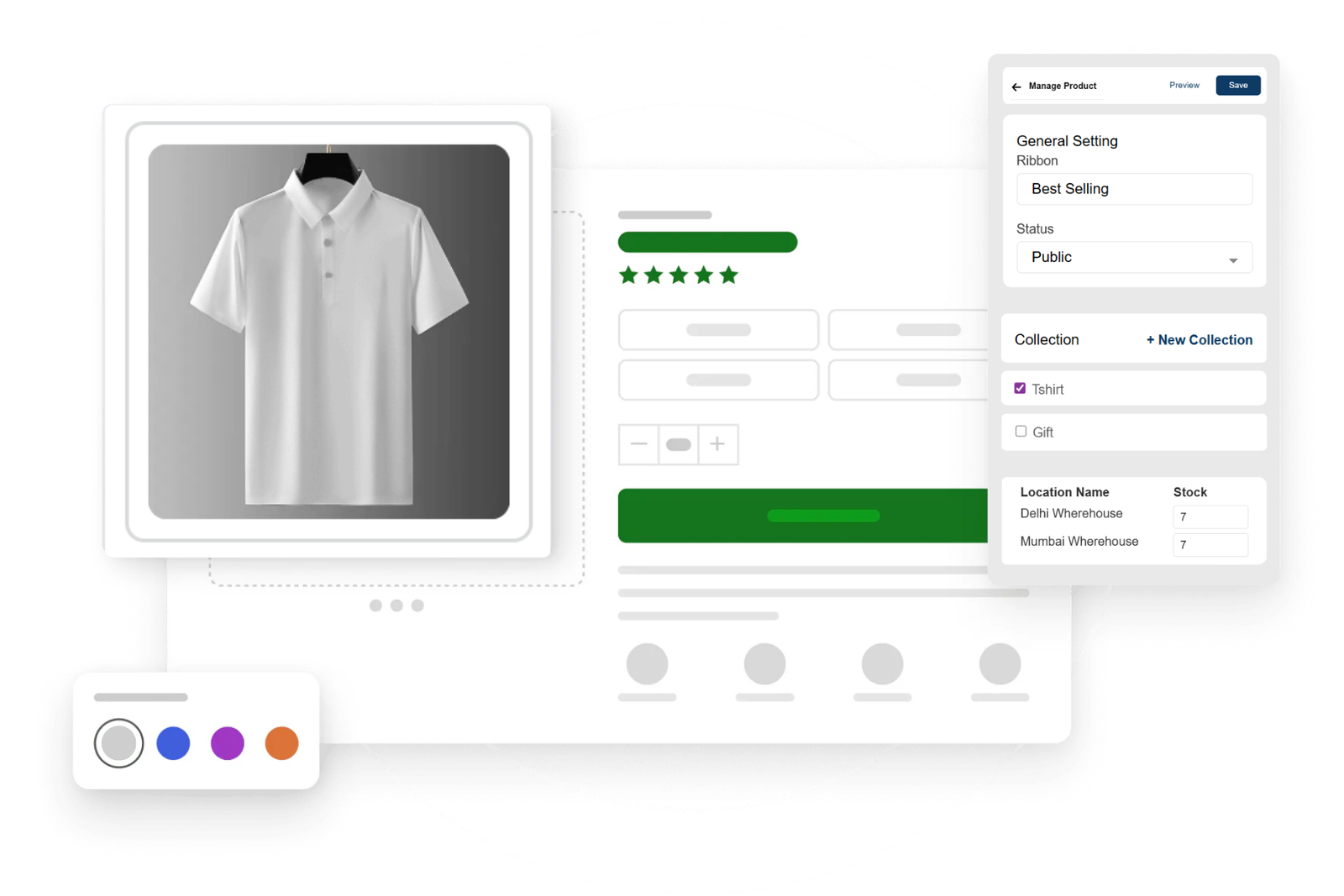
Keep your store organized with JoonWeb’s simple Inventory Management. Add products, track stock levels, and get updates in real time, so you never miss a sale or oversell. Built to save time and make managing your store smoothly

Powerful Tools to Manage Your Inventory

From adding new products to keeping track of stock in real time, JoonWeb’s Inventory Management gives you everything you need to stay organized. No complicated steps just simple, effective tools that help you focus on growing your business


Price & Selling Price Setup

Price & Selling Price Setup

Set both base and selling prices for each product to manage margins clearly. Pricing fields are editable per product for full control.

SKU Management

SKU Management

Assign unique SKU codes to identify and organize products efficiently. SKUs are visible and searchable within the main inventory panel.

Weight-Based Inventory Input

Weight-Based Inventory Input

Input product weight (in grams) for logistics and shipping calculations, especially useful for physical goods and warehouse management.

Multi-Location Stock Tracking

Multi-Location Stock Tracking

Maintain separate stock counts for each warehouse or location (e.g., ISHAVIBES and WhereHouse 2). Switch views easily and update quantities as needed.

Enable Quantity Tracking

Enable Quantity Tracking

Activate or deactivate quantity tracking per product. Helps manage products sold in unlimited quantity or digital goods where stock count isn't required.

Adjustment History

Adjustment History

Access a complete log of stock changes made across locations. View all updates tied to a specific product for better traceability and auditing.

Location Dropdown Selector

Location Dropdown Selector

Choose between warehouse locations using a dropdown. Instantly update stock views or modify entries per selected region.

Inventory Management by JoonWeb – FAQs for Smarter Selling

Everything you need to know about managing your products with JoonWeb. From tracking stock levels to bulk updates, these FAQs cover the most common questions to help you run your store smoothly and never miss a sale.

JoonWeb automatically adjusts your stock levels the moment an order is placed. This ensures that customers only see products that are available. Once a product goes out of stock, it won’t be displayed as purchasable, saving you from unhappy buyers and overselling issues.

Yes, JoonWeb supports unlimited product listings based on your plan

Yes! JoonWeb makes bulk product management simple. You can upload, edit, or update multiple items in a single go, which saves hours of manual work. Whether you’re adding new arrivals or updating prices, the bulk feature keeps everything quick and organized.

Not at all. Everything is click-based and beginner-friendly.

Absolutely. JoonWeb sends you alerts when a product reaches low stock levels. This way, you’ll know exactly when to reorder and won’t have to manually track every single item. It helps you stay one step ahead and keep your store always stocked.

Of course! JoonWeb lets you manage stock variations like size, color, or style.

Yes, JoonWeb updates inventory in real time, including changes from returns or cancellations. This keeps your stock count accurate without you having to manually adjust every time something changes.